What a session looks like.
A session in Aries runs about forty-five minutes, beginning to end, and follows the same rhythm a real incident does. Setup, deployment, command, debrief. Here's what each phase actually involves.
- Phase 01
Setup
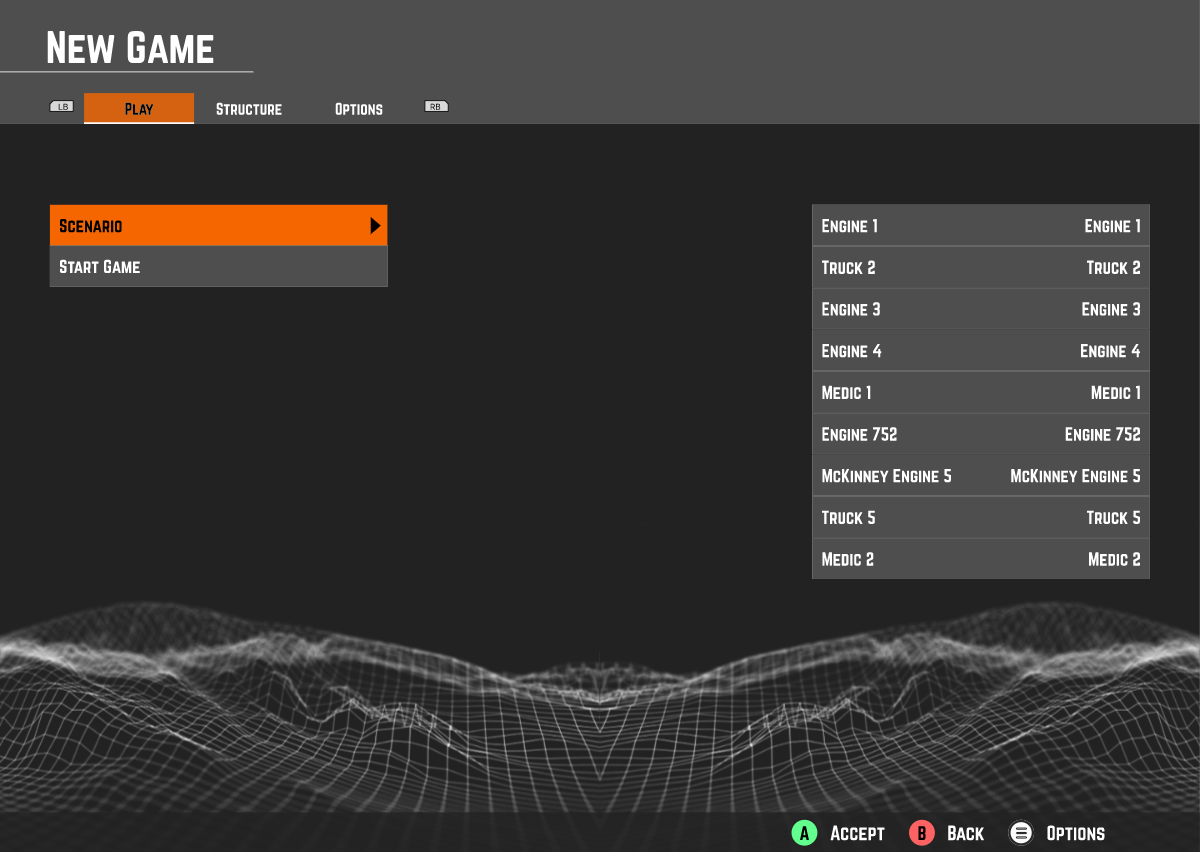
00:00 – 00:05Structure libraryStaffing presetPre-fire conditionsInitial scenarioInstructor builds the scene.
Pick a structure, pick staffing, pick the initial scenario. Pre-fire conditions (smoke showing, contents load, occupants) are set from a short form. The instructor decides what the crews will see when they roll up.
- Phase 02
Deployment
00:05 – 00:15Full crew on shiftFirefighter / IC rolesRadio channelsConditions · actions · needsCrews arrive and size up.
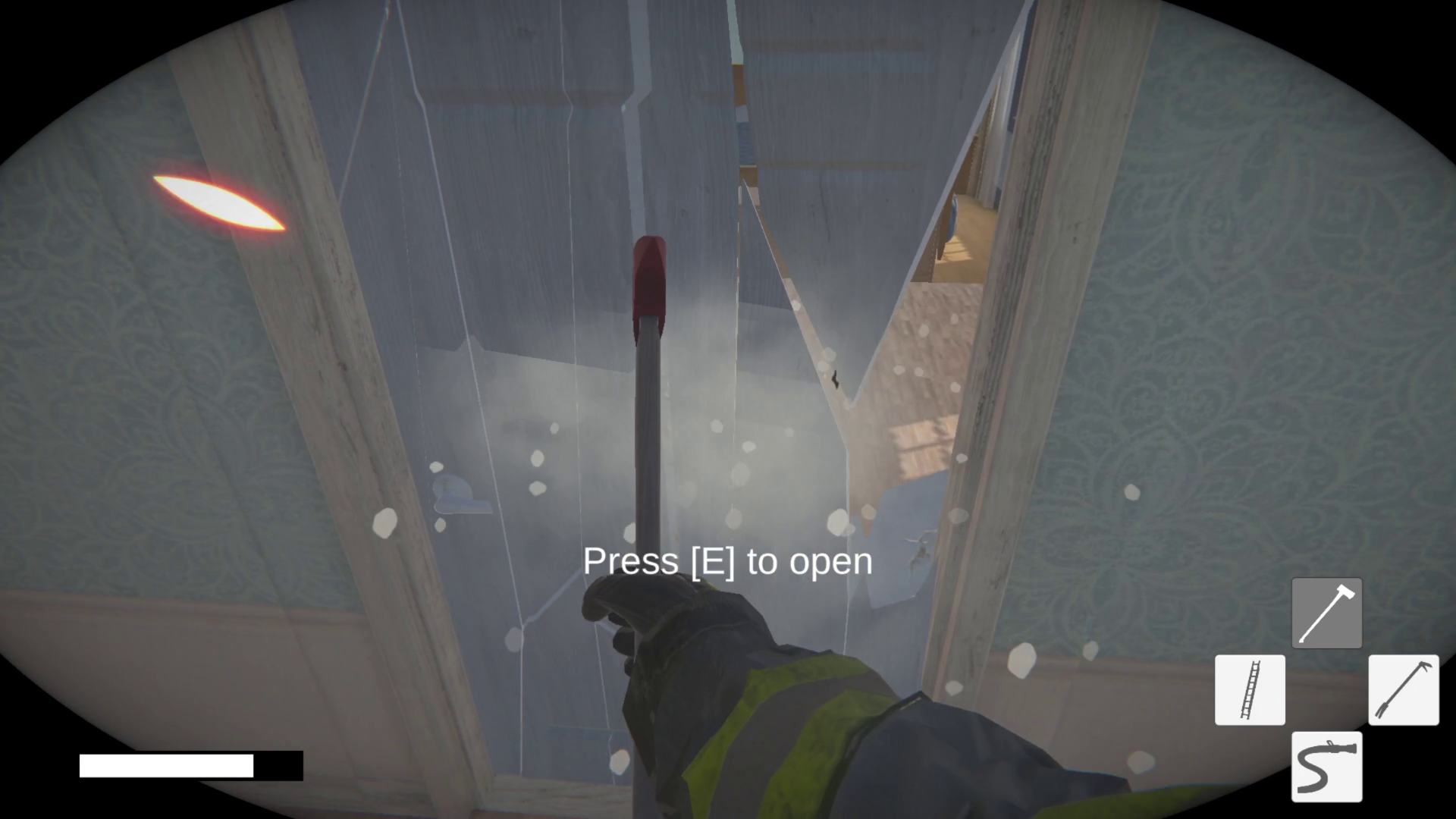
Players take firefighter-unit roles or the incident commander role. Size-up is the first real decision: identify the conditions, the actions, and the needs. Radio traffic begins on assigned channels. The IC gets the initial report and calls it.
- Phase 03
Command
00:15 – 00:40Sector assignmentVentilation & collapseMayday trainingLive instructor injectsThe incident commander runs the scene.
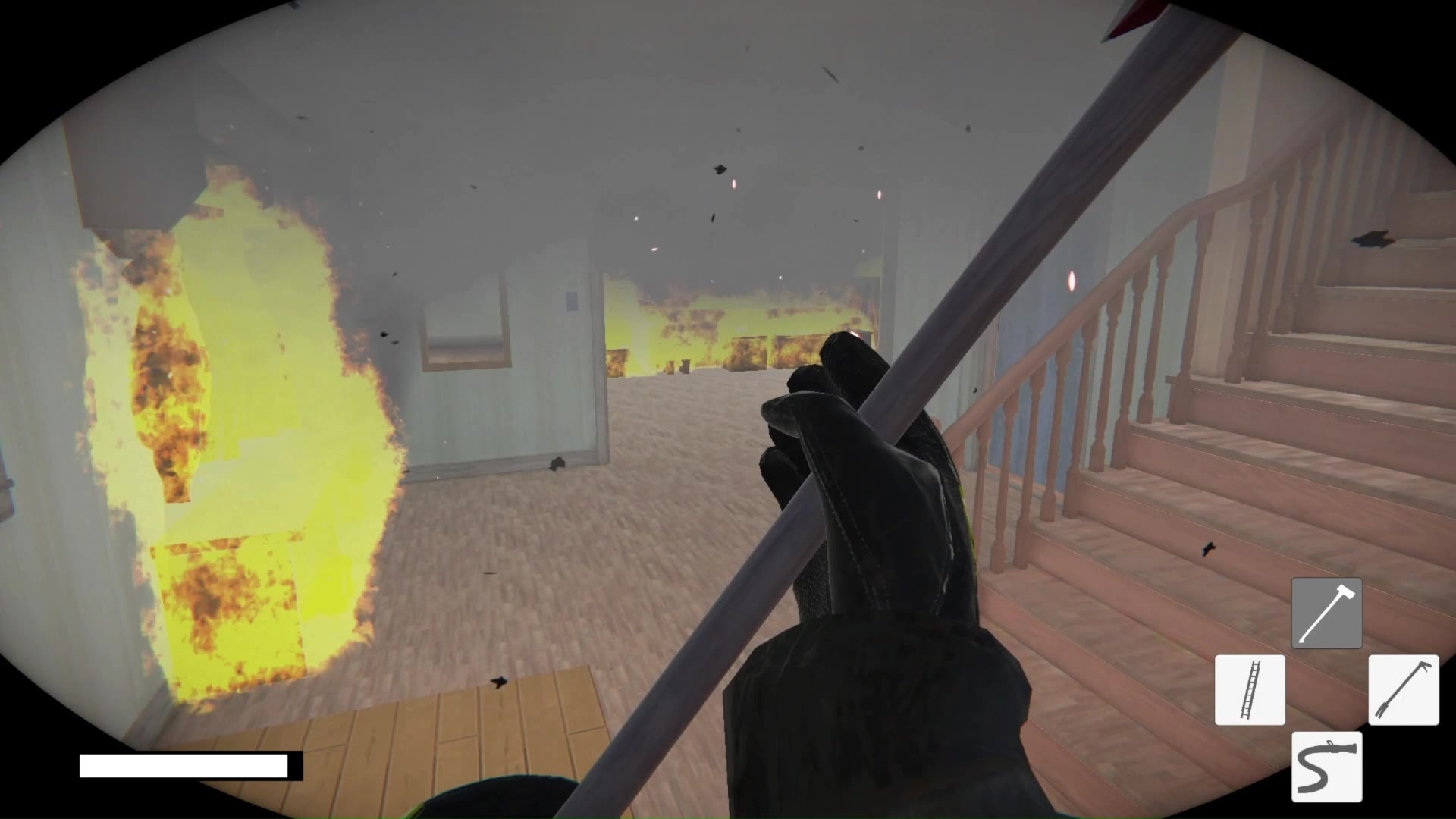
Sectors are assigned, crews advance, the interior team calls the conditions they're seeing. Ventilation is operator-driven: opening windows, running positive-pressure fans, cutting the roof for vertical ventilation. Ceilings can collapse; fire can spread inside walls and ceilings out of sight. PAR checks happen on the clock. When a Mayday is called, it's on the IC to adapt. Instructors can inject events live.
- Phase 04
Debrief
00:40 – 00:50Transcribed chat logRadio discipline reviewTactical reviewTrainer-ledThe chat log is the debrief.
Every word said on the radio is transcribed in real time. The trainer walks the crew back through what happened by reading the log. Was the call sign right? Did anyone default to "hey you, it's me"? Who didn't get a PAR? Did the team actually do a secondary search? The debrief is a conversation about what was said and what was done.
Transcribed log · session 042Illustration of a transcribed radio log: Engine 1 transmits without a call sign at 14:05 and is flagged by the trainer; command corrects the procedure; Engine 1 re-transmits with the call sign; command runs a PAR check at 14:58.
Watch a real session, radio included.
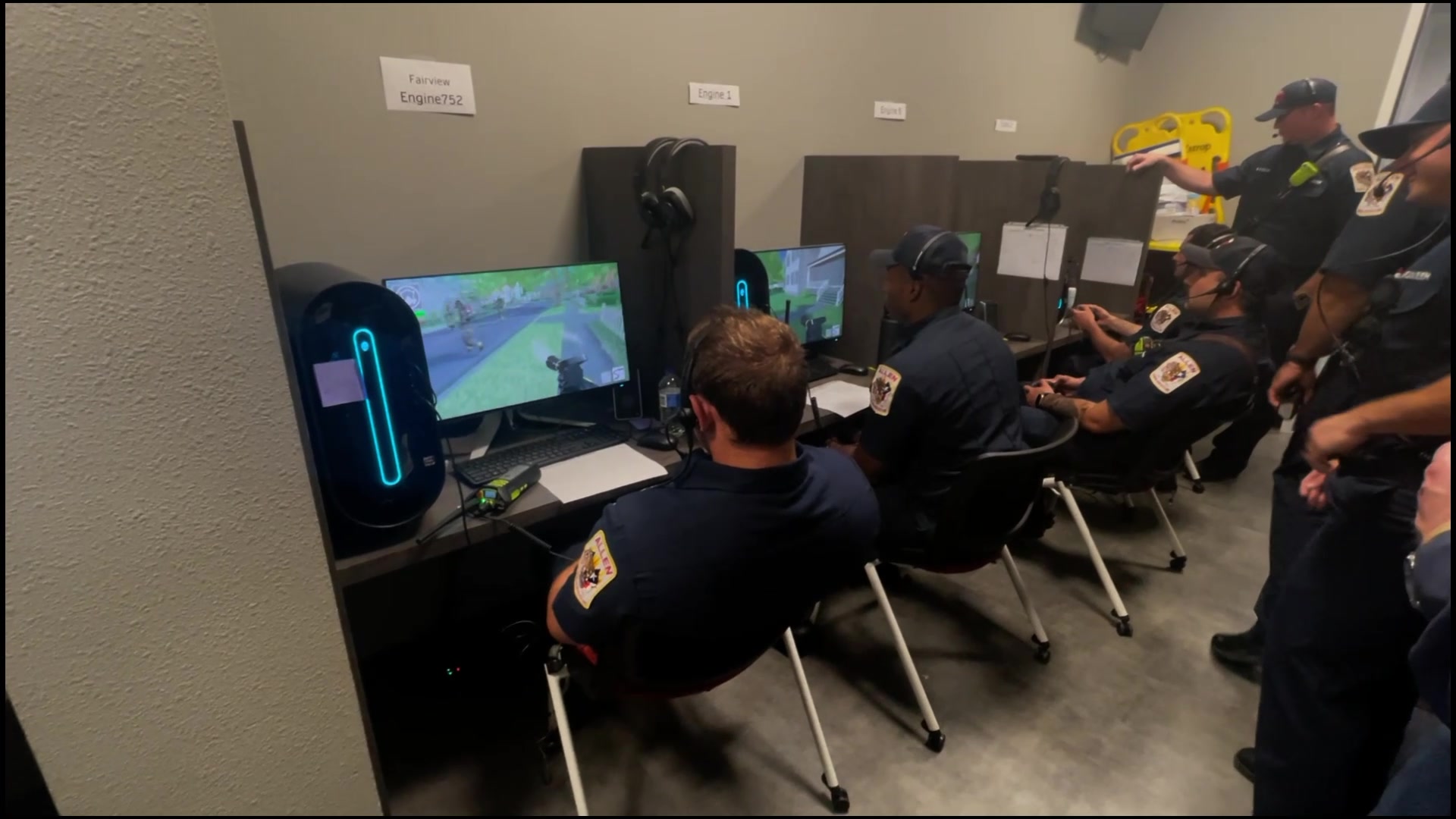
Three and a half minutes from a training session at Allen FD. Player POV clips, the actual radio traffic between command and crews, and the decisions that made the call. This is how the tool is used on shift.
- Runtime03:24
- SourceAllen FD, live drill
- AudioLive radio traffic
- AnglesCommand + player POV
What's under the hood.
The simulator is in Unity and has been in continuous development since 2022. These are the systems that matter on a fireground, modeled with enough fidelity to train the decisions that depend on them.
- 01
Full-crew multiplayer
Officers, firefighters, and the IC all in the same simulation, coordinating over real radio channels.
- 02
Fire propagation
Fire spreads through walls, ceilings, and floor assemblies. Ceilings can fail; fire hides behind finishes.
- 03
Ventilation
Windows, positive-pressure fans, and vertical cuts through the roof. Interior tenability and visibility shift in response.
- 04
SCBA air management
Air consumption tracks work rate. Low-air alarms trigger when they should.
- 05
Forcible entry
Axe, chainsaw, and pike pole on doors, walls, and roofs.
- 06
Thermal imaging
TIC POV with realistic heat signatures, for search and size-up training.
- 07
Hose & suppression
Hose streams that knock fire down, with realistic interaction between water application and fire behavior.
- 08
Victim rescue
Civilian AI with location variability. Search patterns matter.
- 09
Mayday training
Trapped-firefighter scenarios, PAR under stress, IC response under duress.
- 10
Structure library
Residential, mixed-use apartment, office, and warehouse templates ready out of the box.
- 11
Custom buildings
We can model a specific building your department wants to train on. Schools, high-rises, hospitals, target hazards in your first-due. Bring floor plans.
- 12
Custom scenarios
Need a specific incident type or response plan in the rotation? We build it into the library.
Runs in your training room. Or from anywhere.
Aries runs on Windows PC with Xbox controllers and headsets. SmokeStack can stand up a simlab on commercial PC hardware at your facility, or skip the hardware entirely by streaming a full Windows workstation to any laptop via Shadow.tech.
Train with your real radios on the same channels you use on shift, or run remote drills using the in-sim virtual radios and proximity chat.
- Platform
- Windows 10 / 11
- Input
- Xbox controller + headset
- Hosting
- On-prem simlab or Shadow.tech cloud
- Radios
- Real hardware or in-sim virtual
- Players
- Up to 15 concurrent
- Support
- Direct from SmokeStack
Set up a virtual meeting and we'll talk about what your department is trying to train for.
Thirty minutes on a video call. We'll walk through how Aries works, what it would take to stand it up at your department, and whether it's the right fit.